

// Project case study
K.A.L.K.I.
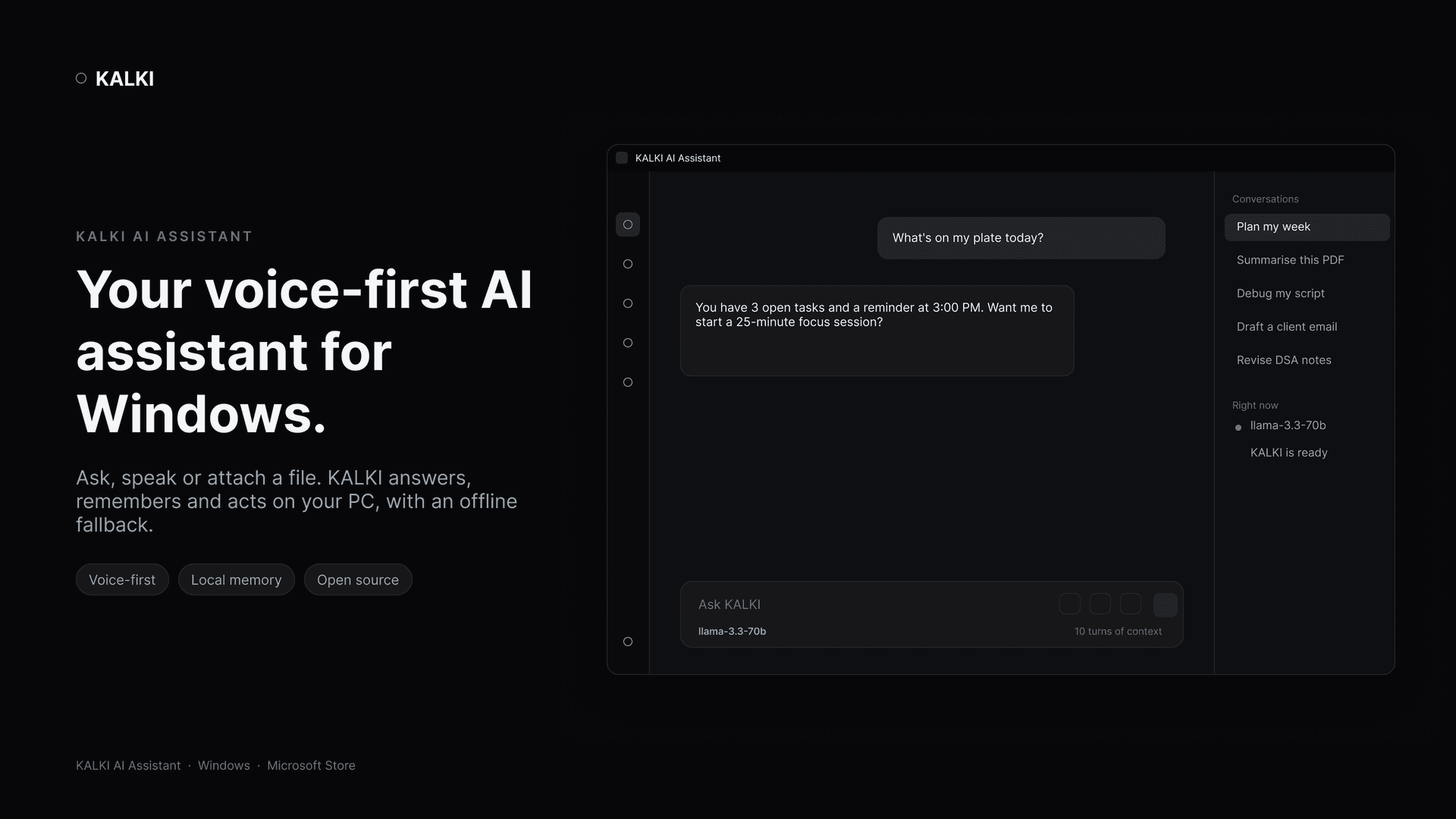
A voice-capable desktop assistant that combines a responsive HUD, configurable AI providers, local memory, task workflows, vision, and security-aware system actions.
- Role
- Creator & lead developer
- Duration
- Jun 2026 – present
- Stack
- Python 3.11Local-first AICanvas HUDVoice & visionSecure localhost APICybersecurity tooling
The Problem
Desktop assistants either do too little or open an uncontrolled bridge into the host machine.
The Approach
A local-first assistant with a canvas HUD, configurable model providers, local memory and guarded system actions behind a token-protected localhost API.
The Outcome
Public releases on GitHub and the Microsoft Store, with a documented trust boundary and an offline fallback.
Who it's for
Power users, developers, and curious builders who want an assistant that works close to the machine without treating local credentials and system actions casually.
The challenge
Desktop assistants need to be useful without becoming an uncontrolled bridge into the host machine. K.A.L.K.I. has to balance voice convenience, model flexibility, platform differences, and a strong local security boundary.
What I built
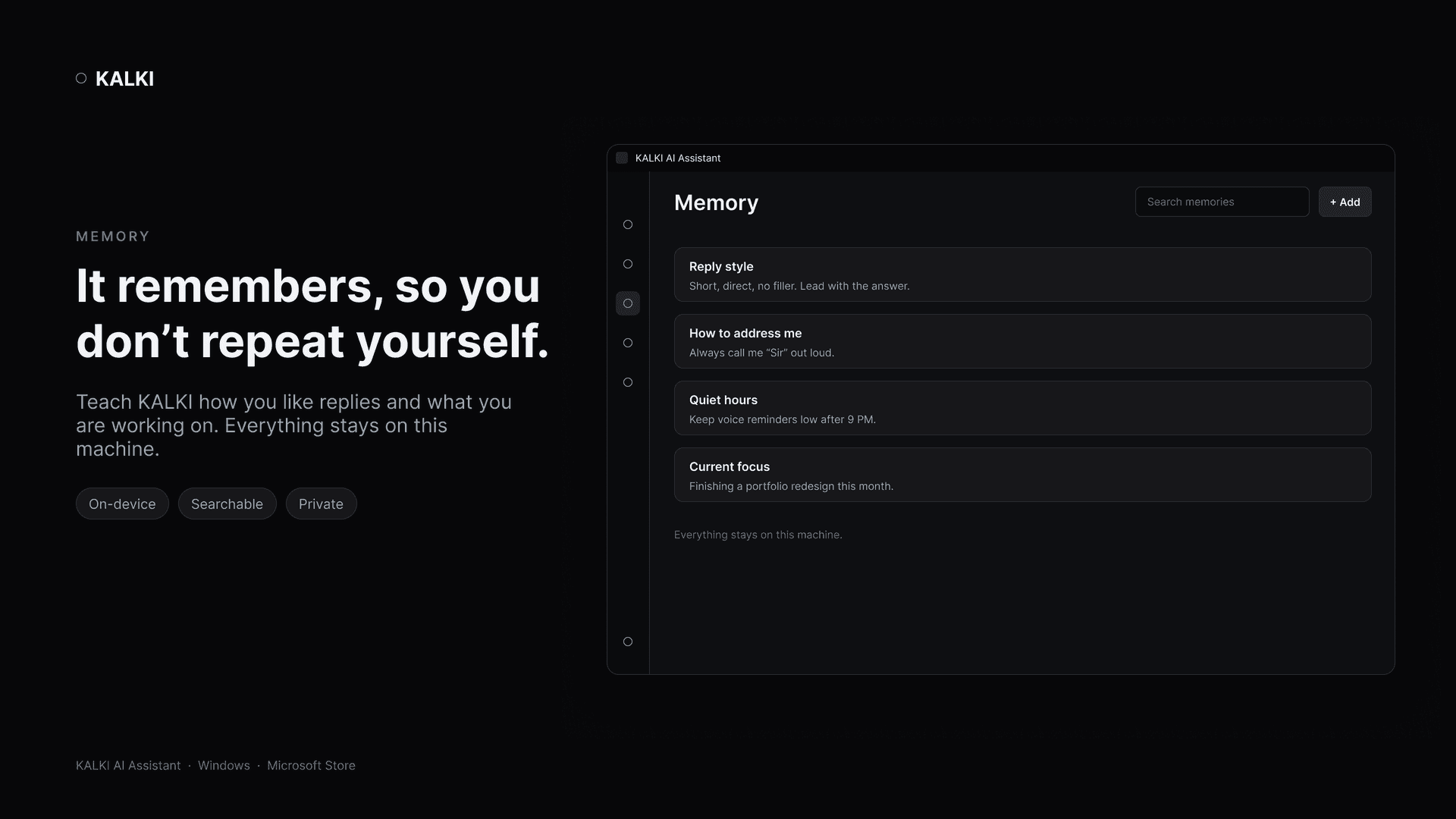
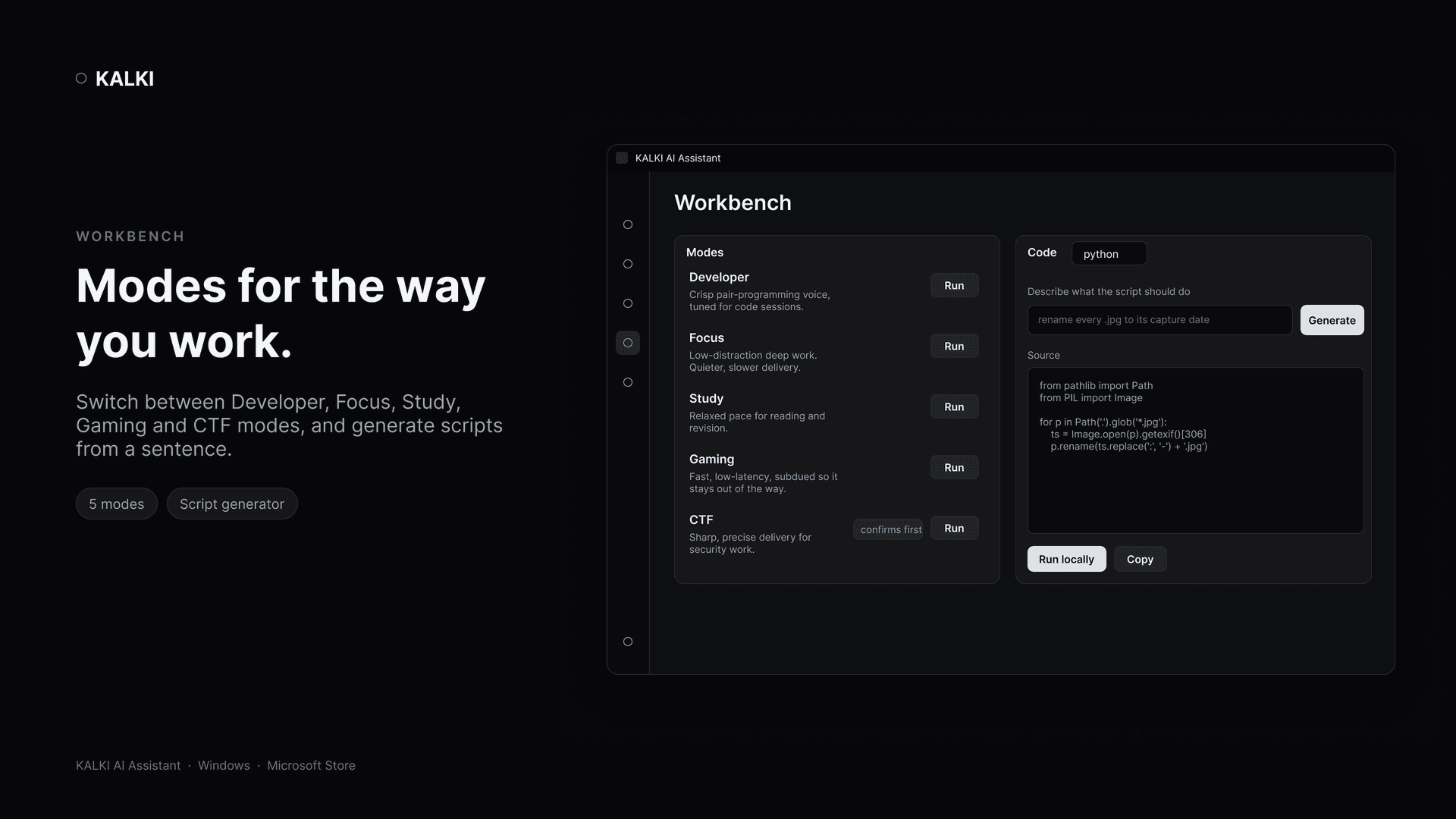
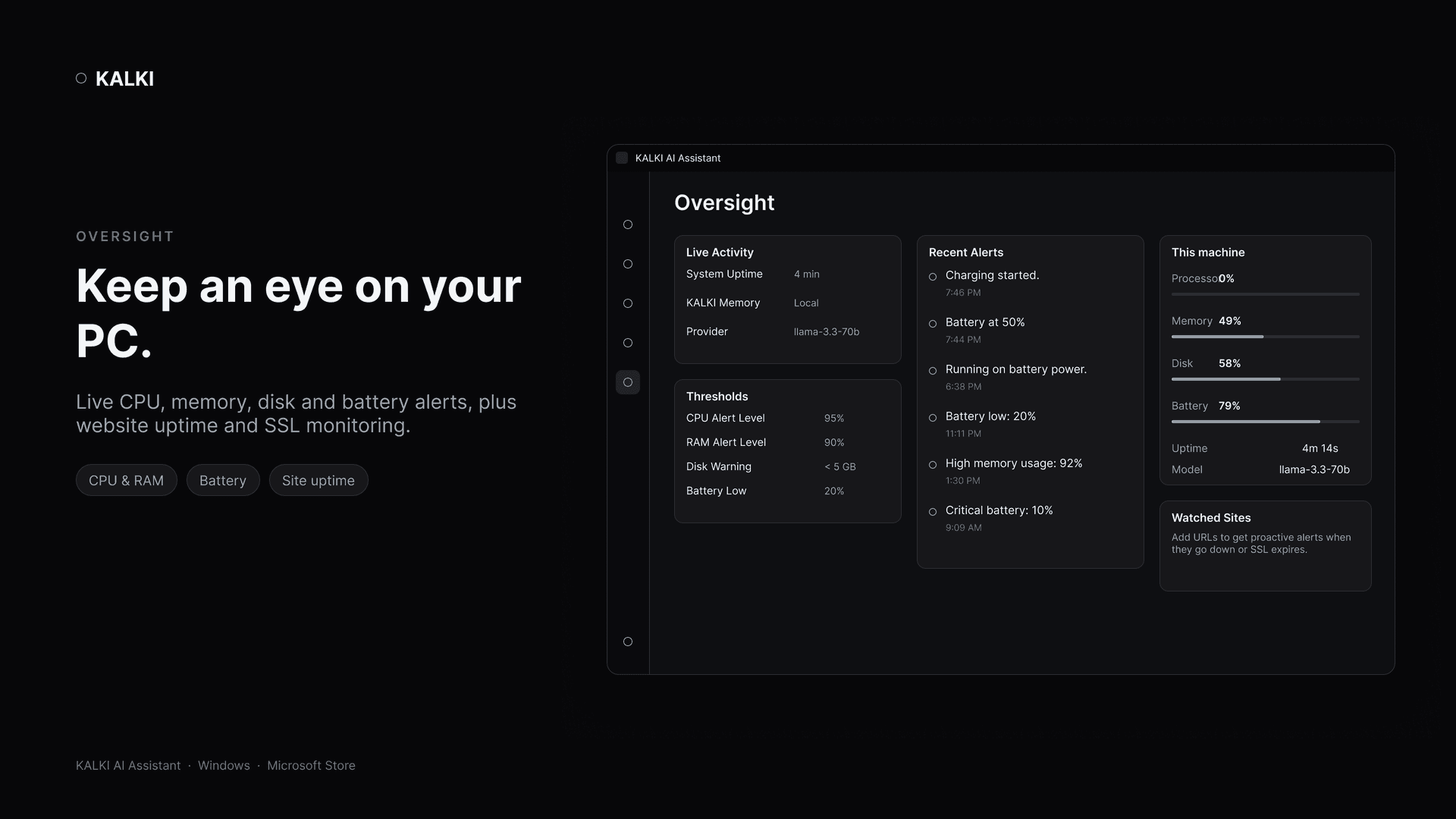
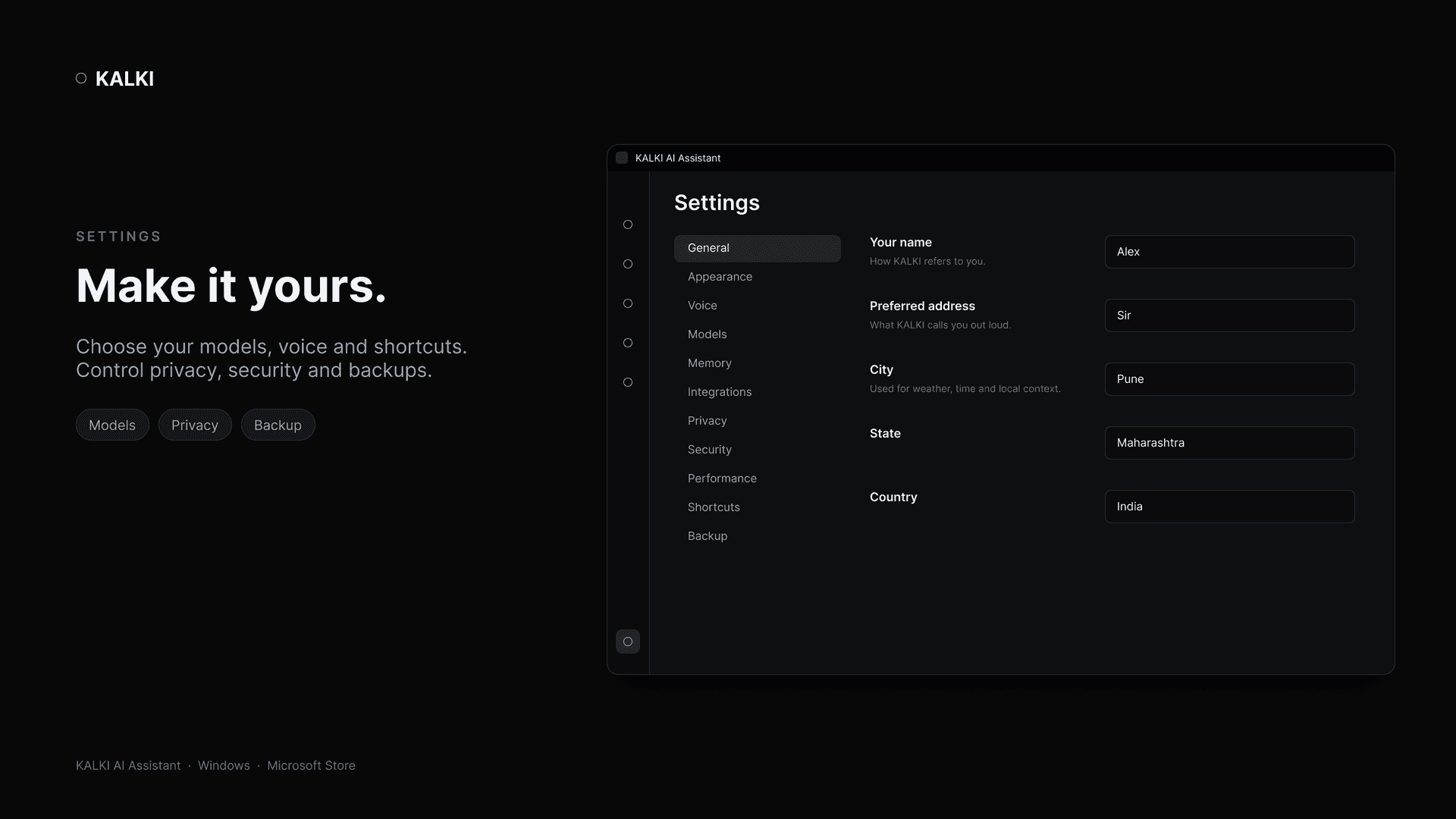
K.A.L.K.I. uses a local authenticated server, a responsive HUD dashboard, configurable providers, memory and task workflows, optional voice input, vision, cybersecurity utilities, and guarded platform actions. The public repository documents token-protected localhost routes, origin checks, safe credential storage, and disabled host code execution by default.
Why it matters
The interesting part is not only the assistant’s feature list; it is the decision to make the trust boundary visible. Local-first storage, guarded actions, and explicit platform status give users a clearer model of what the product can do and where it should not be exposed.
How it works
- 01Configure the assistant through the first-run setup path and choose the available model providers.
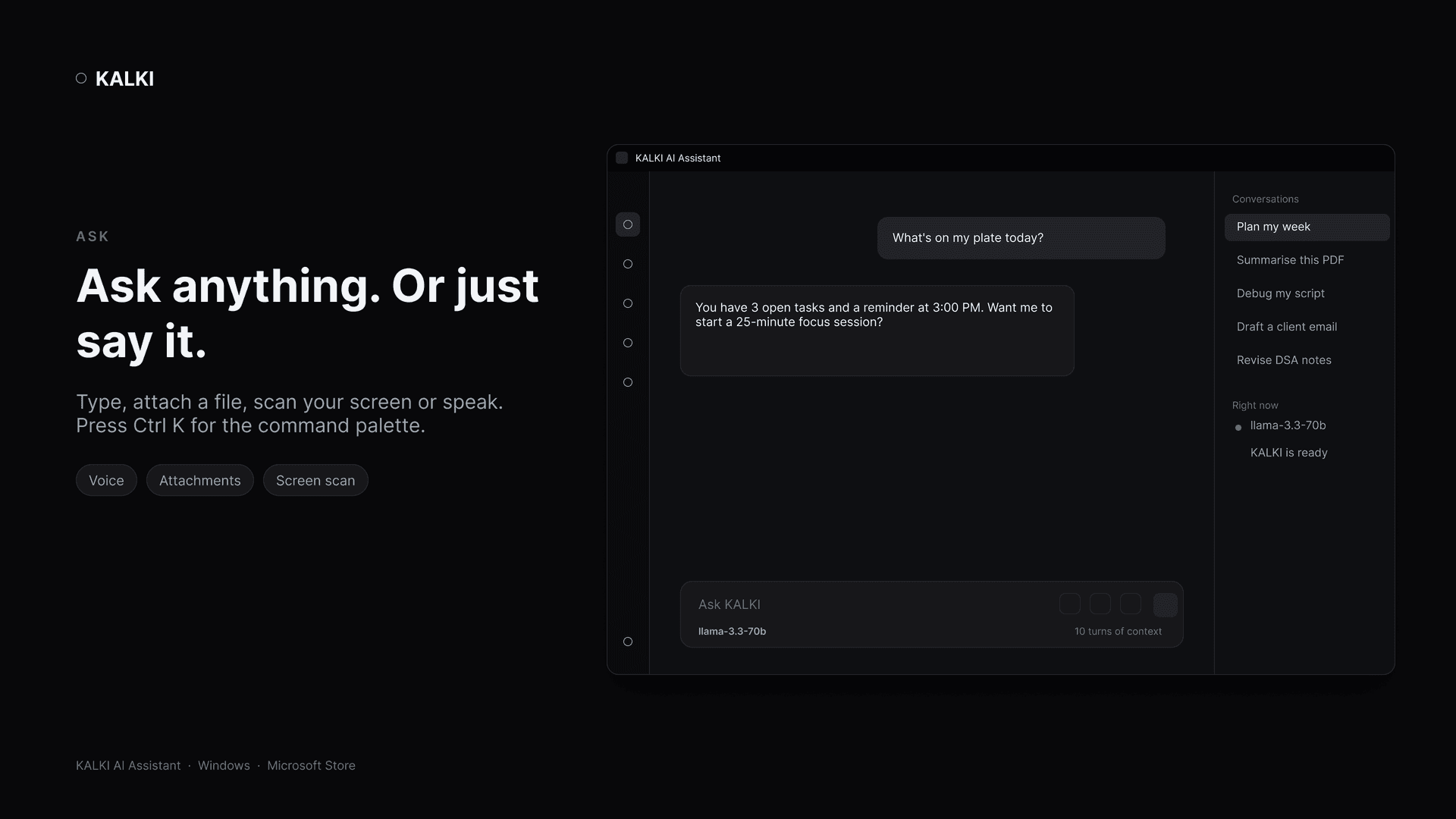
- 02Use typed input, optional voice input, or the HUD to start a conversation or workflow.
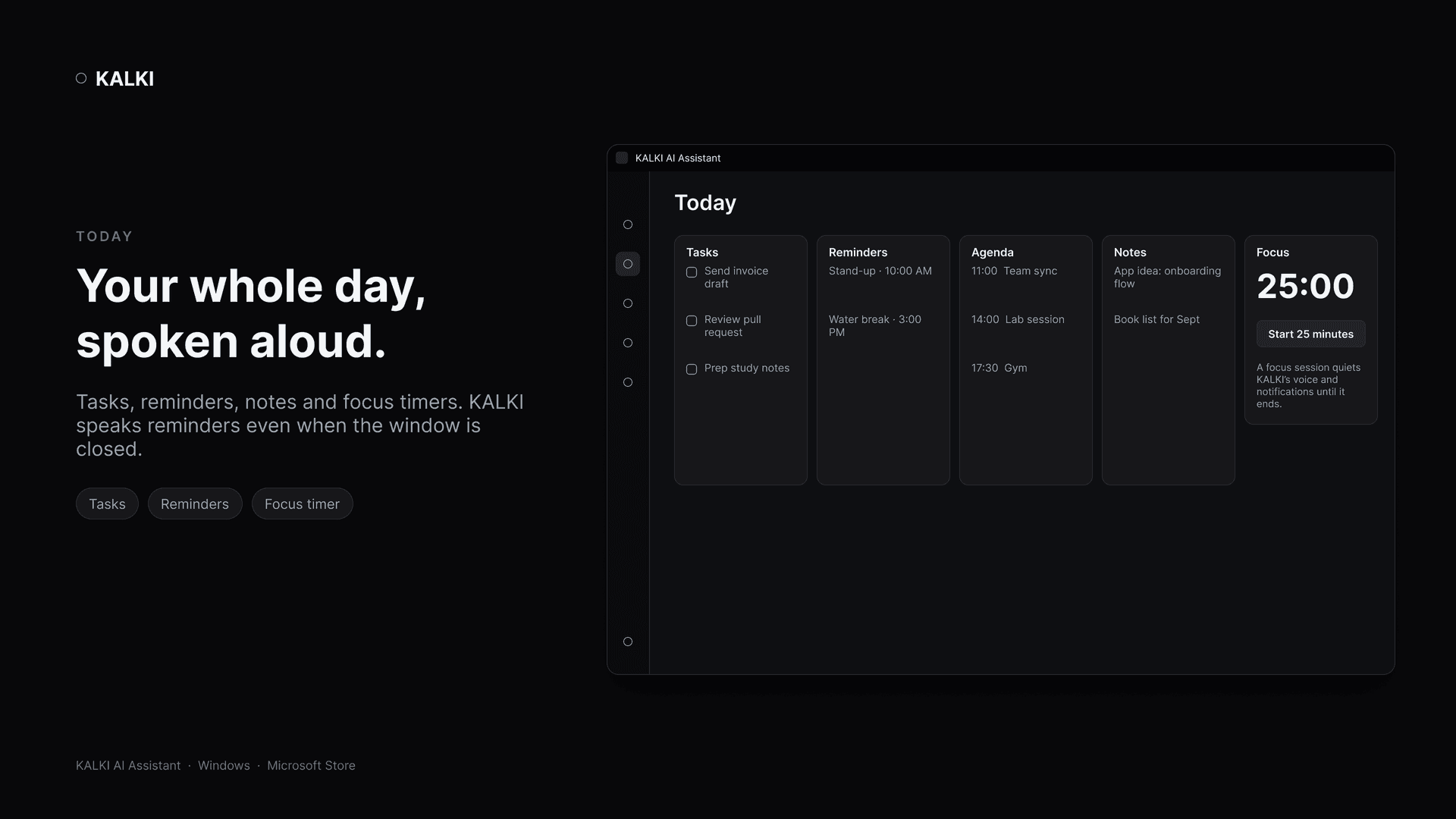
- 03Route tasks through memory, notifications, vision, and cybersecurity utilities as needed.
- 04Keep privileged local actions behind authenticated localhost requests and explicit safeguards.
Scope note
The public repository is actively maintained. Its README documents the v1.3.0 release scope and the repository currently shows later hotfix work; platform claims remain intentionally bounded rather than overstated.
System Architecture
- 01
User
Voice · text · HUD
- 02
HUD client
Canvas dashboard
- 03
Local API
Python · token + origin checks
- 04
Models & tools
Cloud or local · memory · vision
- Python 3.11 with a standard-library local server and static dashboard.
- Canvas-based HUD with full-screen controls, real-time states, and optional speech workflows.
- Provider flexibility with local fallback paths and platform-aware integrations.
- Secure runtime data paths, a per-installation token, origin checks, and guarded system-changing actions.
Screenshots
// Learnings
What this project taught me
- 01A localhost server is reachable by every web page — authenticate it like a public API.
- 02Keep user data out of the install directory and away from the code.
- 03Shipping to a store forces you to take startup reliability seriously.
// Related work

Next project
CodeDroid