

// Project case study
CodeDroid
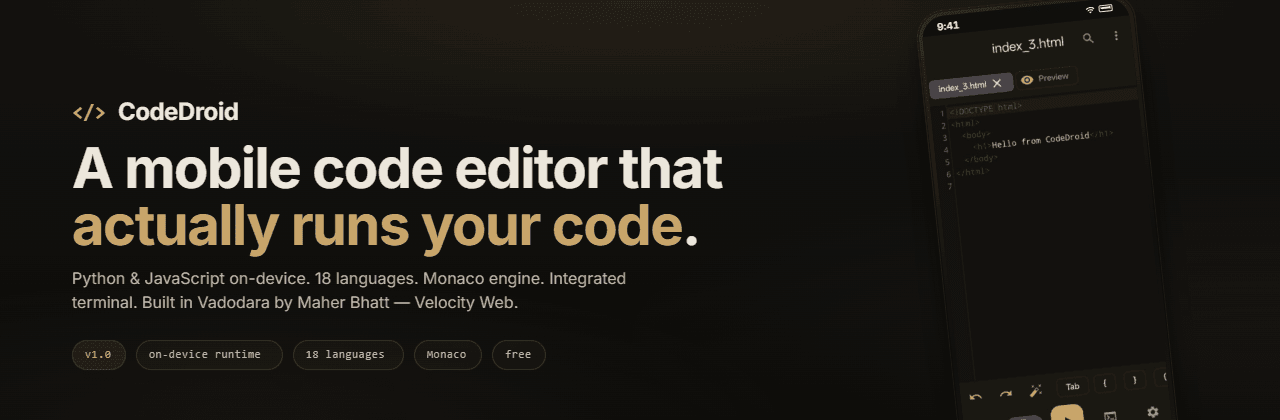
A pocket development environment for Android where Python and JavaScript run on-device, other languages can use a cloud runner, and the editor remains usable offline.
- Role
- Creator & developer
- Duration
- Jun 2026
- Stack
- KotlinJetpack ComposeMaterial 3CodeMirrorChaquopyRhinoPiston API
The Problem
Mobile code editors stop at syntax highlighting — you can't actually run anything.
The Approach
Offline CodeMirror editor plus on-device Python (Chaquopy) and JavaScript (Rhino), with a cloud runner for other languages.
The Outcome
An installable APK that edits and runs code in 18 languages, with a terminal, packages and live HTML/CSS preview.
Who it's for
Students, mobile learners, and developers who want to experiment with code from an Android device instead of being limited to a desktop setup.
The challenge
Mobile editors often stop at syntax highlighting. CodeDroid treats the phone as a real development surface, so editing, execution, file management, terminal feedback, and offline use need to work together.
What I built
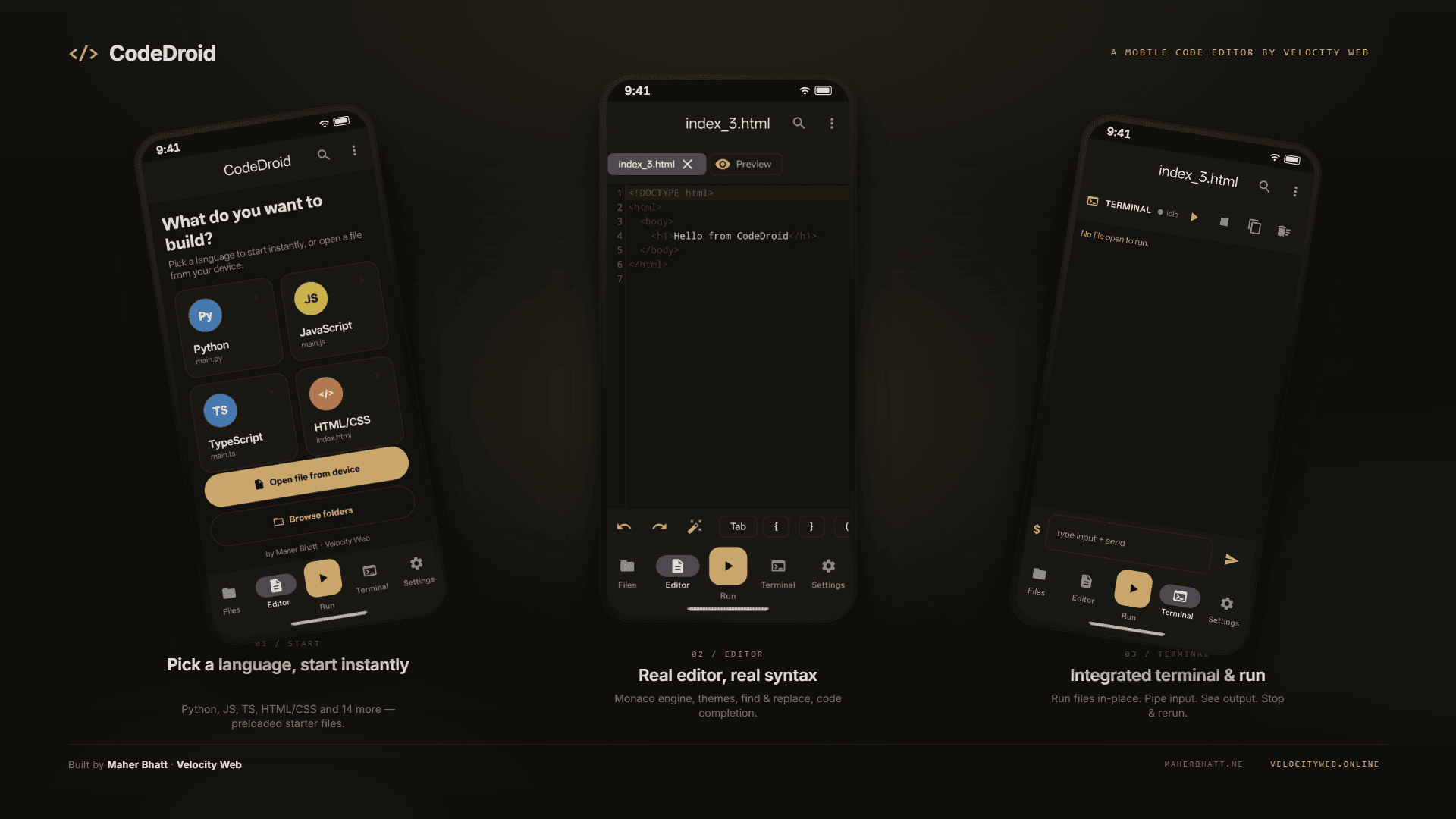
The product combines an offline CodeMirror editor with syntax highlighting for 18 languages, on-device Python through Chaquopy, JavaScript through Rhino, cloud execution through Piston for other languages, an integrated terminal, runtime package installation, persistent tabs, autocomplete, Vim keybindings, and live HTML/CSS preview.
Why it matters
The project lowers the barrier between learning and running code. A student can move from a small experiment to visible output on the same device, while the offline editor and on-device runtimes keep the core experience useful without a constant connection.
How it works
- 01Open or create a file in the offline editor and choose a language.
- 02Run Python or JavaScript locally, or send supported languages through the cloud runner.
- 03Read terminal output, provide stdin, and iterate without leaving the app.
- 04Use tabs, search, autocomplete, packages, and live HTML/CSS preview to move from experiment to working result.
Scope note
The public repository shows a CodeDroid v1.1 release and provides the latest APK through GitHub Releases. The portfolio links to that release rather than claiming a separate web demo.
System Architecture
- 01
Editor
CodeMirror in WebView
- 02
App shell
Kotlin · Jetpack Compose
- 03
On-device runtimes
Chaquopy · Rhino
- 04
Cloud runner
Piston API
- Kotlin, Jetpack Compose, and Material 3 for the Android interface.
- CodeMirror 5 bundled in a WebView for offline editing.
- Chaquopy for Python, Rhino for JavaScript, and Piston for additional languages.
- Storage Access Framework and DataStore for files and persistent preferences.
Screenshots
// Learnings
What this project taught me
- 01Bundling the editor offline matters more than adding features.
- 02Running untrusted code needs clear separation between runtimes.
- 03Storage Access Framework makes file handling predictable on modern Android.
// Related work
Next project
Civic Sathi